

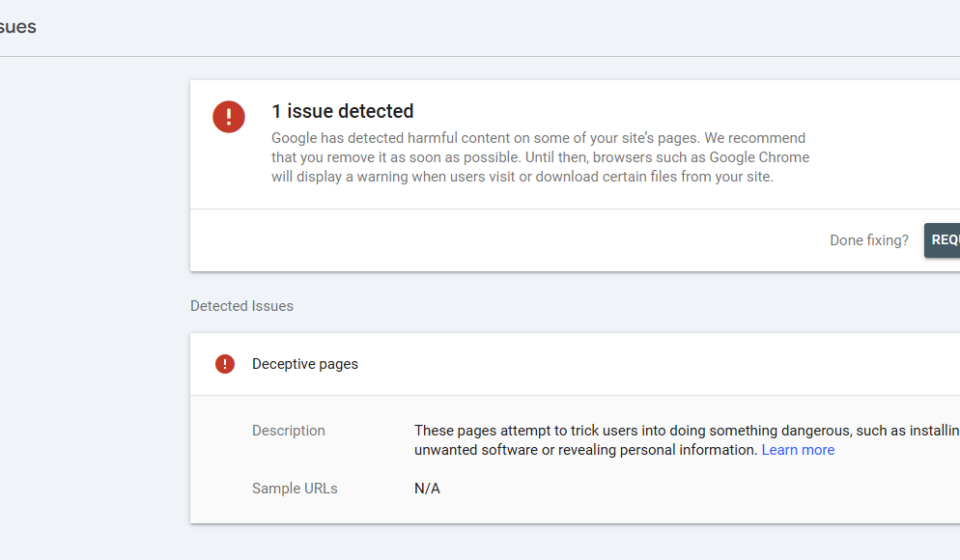

Redirection Regex is basically the “Undo” button every developer needs when Google starts acting like an overprotective parent. As a Backend Developer, I’m used to wrestling with complex systems like Microservices or Keycloak, but I recently met my match: a broken /vi/ directory on my personal blog, torintran.com, that triggered a terrifying “Deceptive Site” warning.
If you are seeing the “Red Screen of Doom,” don’t panic. Here is the story of how I used a professional Redirection Regex setup to go from “Phishing Villain” to “SEO Hero” in just a few clicks.
1. The “Slap” from Google Search Console
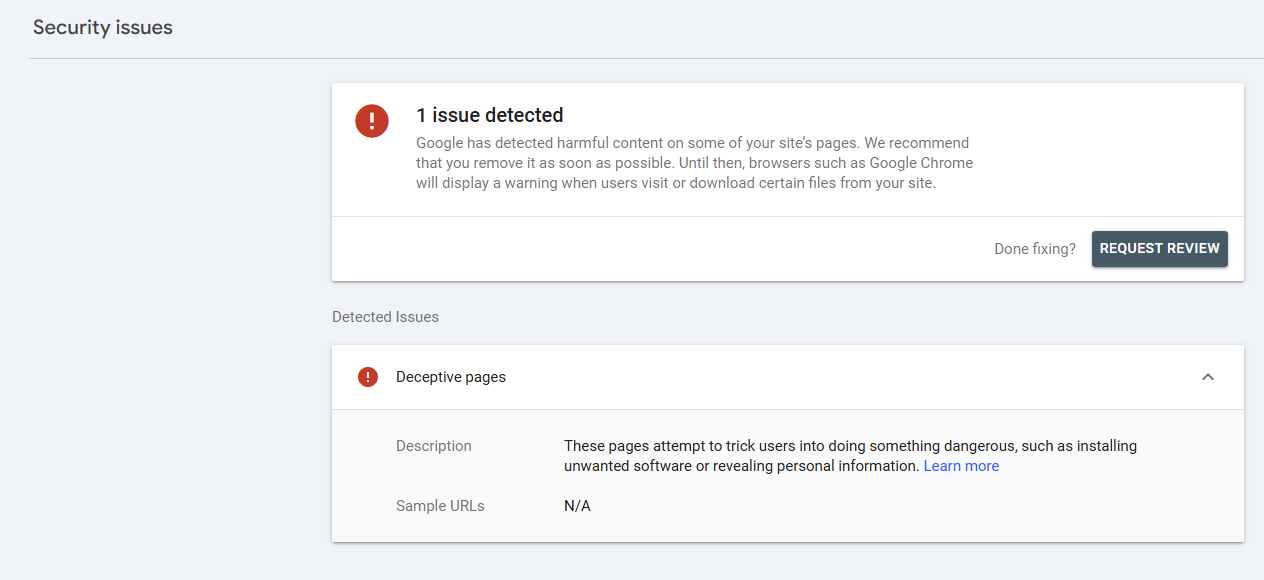
I wanted to go global with a multilingual EN-VI setup. While the English version was sleek, the Vietnamese /vi/ subdirectory was a disaster—broken layouts and missing assets. Google’s bots didn’t see an “under construction” sign; they saw a mess and slapped me with a Google Deceptive Site warning.
Suddenly, Chrome was showing a terrifying red screen to my visitors. To fix this, I knew I had to implement a proper Redirection Regex to clear the path.
2. Wrestling with the Redirection Regex Beast
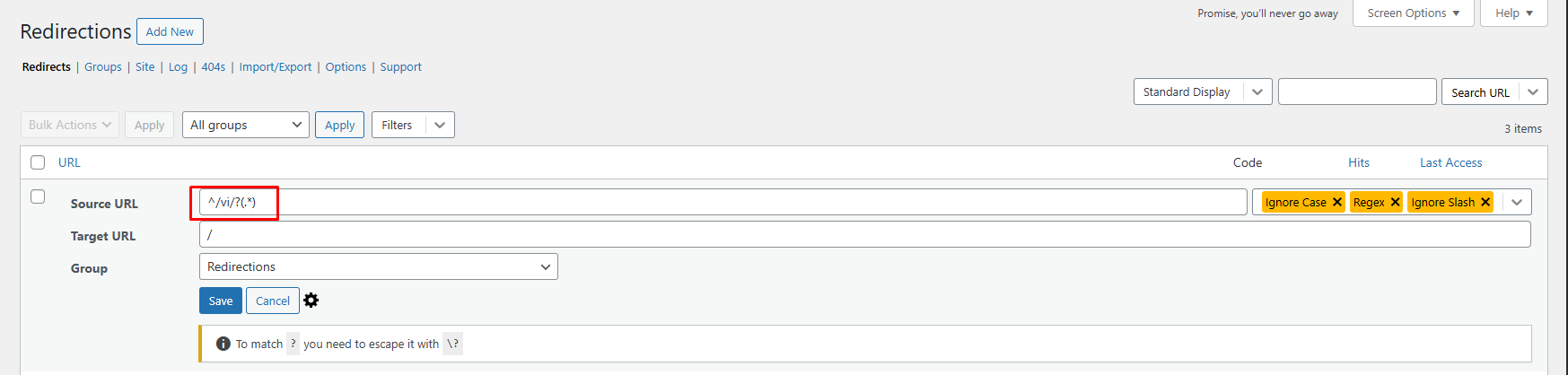
To save my reputation, I installed the Redirection plugin to teleport all /vi/ traffic back to my clean English homepage. Simple, right? Not if you make a “Rookie Dev Mistake.”
The Caret of Chaos
In the world of Regular Expressions, the caret ^ is the “Big Boss”—it must be at the very start of the string. I initially typed /^vi/(.*). Result? 404 Still Alive! The Boss got offended because I put a slash before it, and the redirect failed.
The Golden Formula for Redirection Regex
After a cup of coffee and a moment of clarity, I realized the mistake. Here is the magic syntax:
^/vi/?(.*)By using this specific Redirection Regex, the ? ensures it catches both torintran.com/vi and torintran.com/vi/. This is the most efficient way to handle bulk redirects without slowing down your server.
3. The “Apology Tour”: Requesting a Review
Once your Redirection Regex is live and working (always test in an Incognito window, folks!), it’s time to make peace with Google. This is crucial to resolving a Google Deceptive Site manual action.
- Head to Google Search Console > Security Issues.
- Hit Request Review.
- Be sincere: “I’ve consolidated my site structure and used Redirection Regex to remove all unfinished paths. Everything is clean, I promise!”
For more technical details on how Google evaluates site safety, you can check the official Google Search documentation.
4. Why Backend Devs Should Care About SEO
You might think SEO is just for bloggers, but managing a Redirection Regex is a core technical skill. Whether you are working on a Spring Boot project or a personal blog, clean routing is essential for your professional brand.
Using a tool like the Redirection plugin is much faster than manually editing .htaccess files inside a Docker container every time you want to move a page. It keeps your database clean and your UX smooth.
5. 3 Tips to Avoid Google’s “Deceptive Site” Warning
If you want to keep your domain safe, follow these 3 simple rules:
- Don’t Publish Junk: If a language version isn’t ready, don’t let it be crawlable.
- Monitor 404s: Use your plugin to see who is hitting dead links.
- Always Use HTTPS: Ensure your SSL is valid (shout out to Let’s Encrypt).
Conclusion
Don’t let a single caret ^ ruin your week. Understanding Redirection Regex is a small but powerful part of being a well-rounded developer. Stay clean, stay indexed, and may your carets always be at the start of the line!
For more tips on IT development or to see my latest projects, feel free to explore torintran.com.