

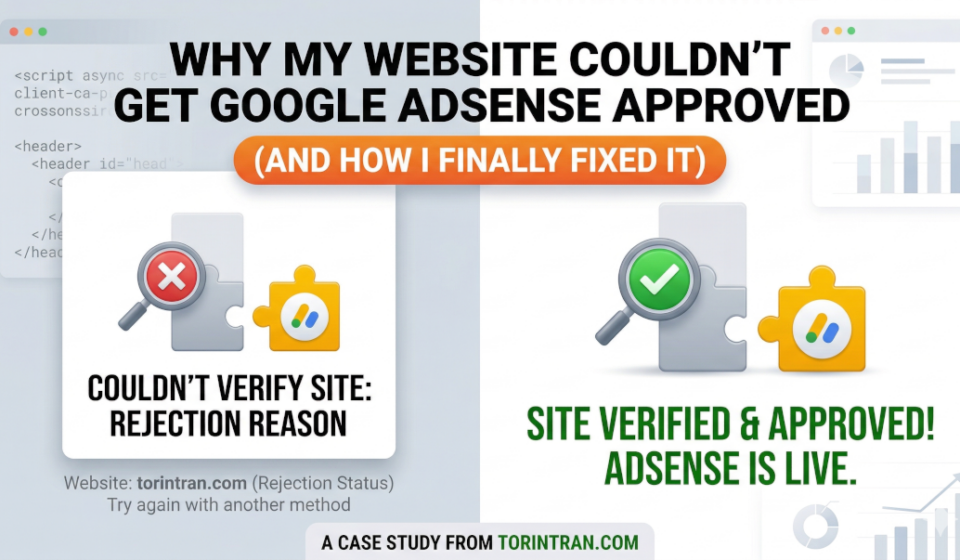
Why My Website Couldn’t Get Google AdSense Approved (And How I Finally Fixed It)

Getting approved by Google AdSense sounds simple on paper. But in reality, it can be frustrating — especially when your site looks “fine” yet still gets rejected without a clear reason.
I recently went through that exact process. My website kept failing AdSense review, even though I had already set up basic SEO and connected it to Google Search Console.
After multiple attempts, I finally got it approved.
In this post, I’ll walk through the real issues I faced — and how I fixed them — so you don’t waste time like I did.
The Initial Problem: “Site Not Ready” (But Why?)
At first, AdSense didn’t give a clear error. It simply said:
Site not ready
Low value content
That’s the worst kind of feedback — vague and confusing.
At that point, my website had:
- A working domain
- Some blog posts
- SSL enabled (HTTPS)
- Indexed pages on Google
But still… it wasn’t enough.
Issue #1: Thin and Unfocused Content
Looking back, this was the biggest problem.
Most of my articles were:
- Too short (300–500 words)
- Not deep enough
- Lacking real value
They looked like “content” — but didn’t actually help users.
✅ Fix
I completely rewrote my content strategy:
- Minimum 800–1200 words per article
- Clear structure (H2, H3 headings)
- Real solutions (step-by-step, not generic talk)
Issue #2: Missing Important Pages
I had a Privacy Policy — but that alone wasn’t enough.
AdSense expects your website to look like a real brand/business.
Missing pages:
- About page
- Contact page
✅ Fix
I added:
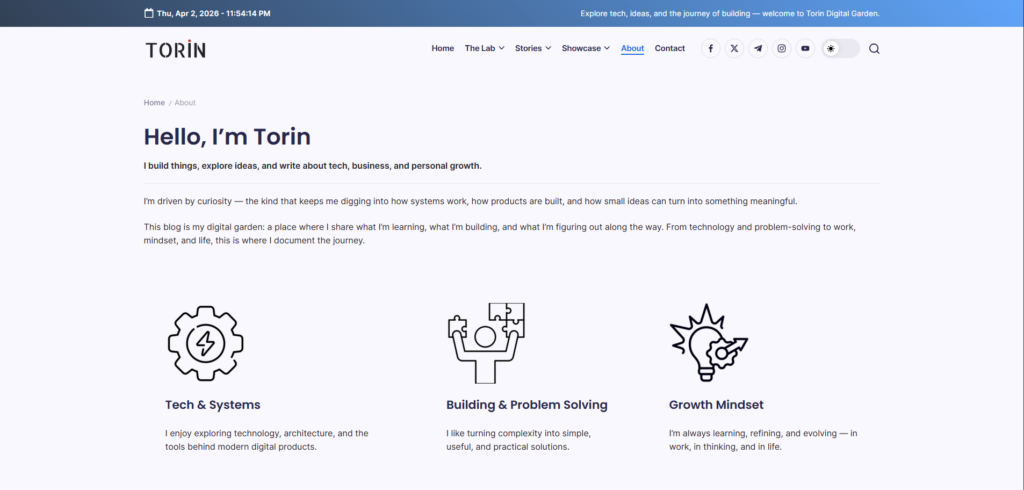
- About page → explaining who I am and what the blog is about
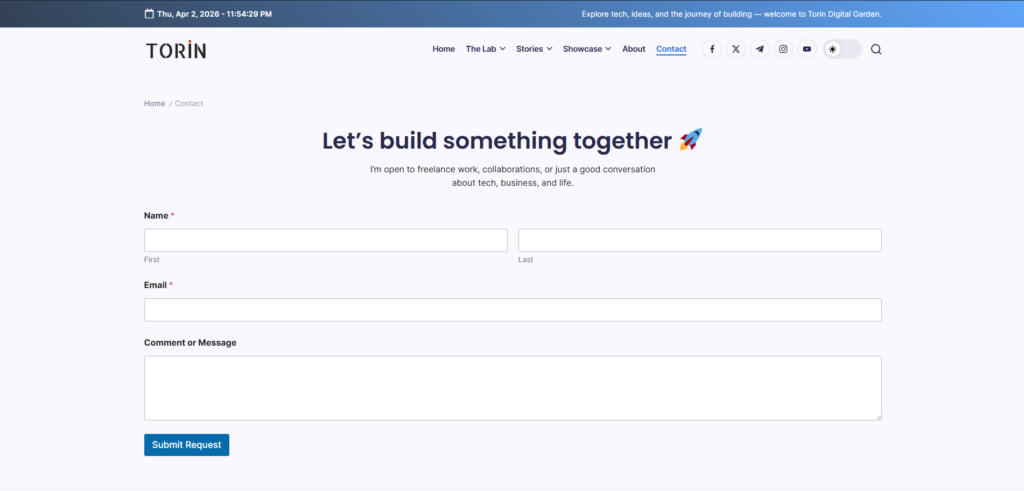
- Contact page → simple email + contact form
Issue #3: Broken Multi-language Setup
I was using multiple languages:
/en→ working fine/vi→ broken / incomplete
This created a bad user experience.
From Google’s perspective:
👉 The site is inconsistent and unfinished.
✅ Fix
I simplified everything:
- Removed the broken language version
- Focused on one clean version only
Issue #4: Domain and Redirect Confusion
I previously used:
- Old domain
- Temporary WordPress subdomain
Even though it “worked”, it actually confused Google.
✅ Fix
I cleaned everything up:
- Kept one main domain only
- Used 301 redirect for all old links
Issue #5: Missing ads.txt File
This one is technical — but important.
Without ads.txt, AdSense may still approve you — but it can cause issues later.
✅ Fix
I created a file:
ads.txtAnd added:
google.com, pub-XXXXXXXXXXXXXXX, DIRECT, f08c47fec0942fa0Then uploaded it to:
https://yourdomain.com/ads.txtWhat Happened After Fixing Everything?
After I fixed all the issues:
- Added enough content
- Cleaned up structure
- Completed all required pages
I submitted the site again.
⏱️ Within a few days → AdSense approved my website
No tricks. Just doing the basics properly.
Key Takeaways
If your site is not getting approved, check this:
- Do you have at least 2+ quality articles?
- Are your posts actually helpful?
- Do you have About + Contact + Privacy pages?
- Is your site clean (no broken links, no messy redirects)?
- Is everything consistent and professional?


Amazing, finnaly i passed verify domain, just add ads.txt
It’s working, tks