
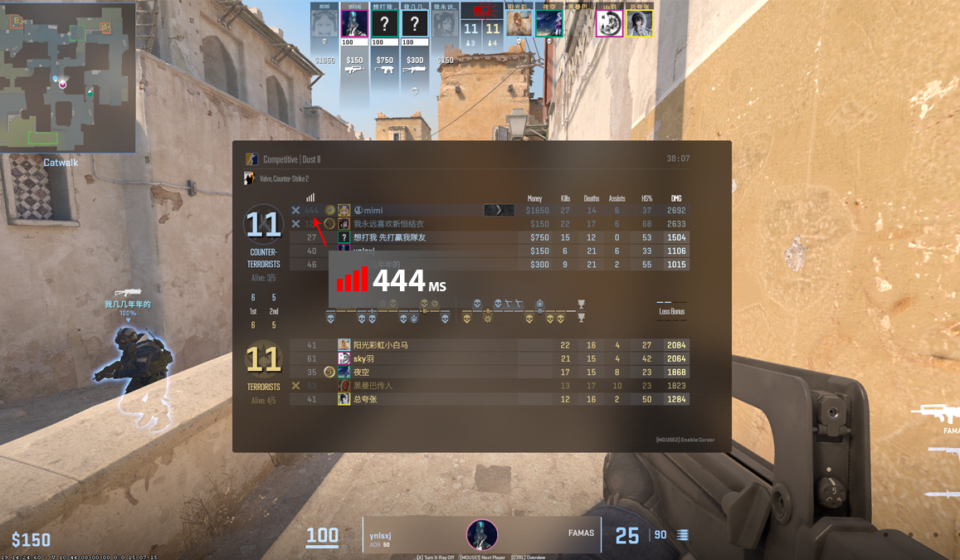

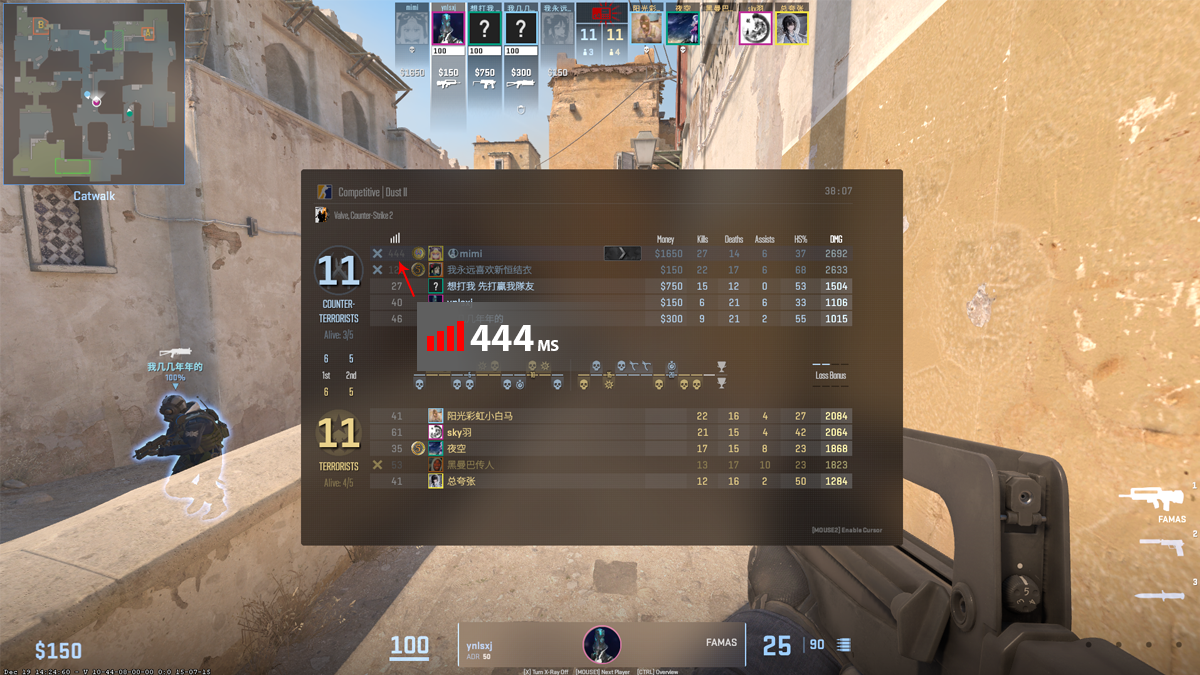
I was in the middle of a ranked match when my ping suddenly jumped to 250ms. The screen froze. I died instantly. Not because of bad play — but because of terrible internet.
How to fix slow internet became my nightly mission. I was paying for a 300Mbps plan in Ho Chi Minh City, yet playing League of Legends or Valorant felt unbearable. The worst part? Whenever my roommate started downloading movies or updating games, the whole connection would slow to a crawl or completely drop.
I tried everything — restarting the router, switching WiFi, even yelling at my roommate. Nothing lasted. After weeks of testing, I finally cracked the code. Here’s my real story and exactly what worked.
Why your 300Mbps connection still feels slow
Here’s what I got wrong:
More Mbps = better gaming.
Nope.
Games don’t need high bandwidth. They need:
- Low latency
- Stable connection
- No interruptions
One person in your house starts downloading…
Game over.
3 silent killers destroying your ping
1. Bandwidth hogging
You’re gaming.
Someone else:
- Downloads a file
- Streams 4K
- Uploads to cloud
They take the entire pipe.
Your game gets leftovers.
2. No QoS on your router
Most routers:
- Don’t prioritize traffic
- Treat everything equally
Sounds fair.
But in reality? Your game loses every time.
3. WiFi instability
Let’s be honest.
WiFi is not reliable for competitive gaming.
- Higher latency
- Signal interference
- Packet instability
Ping spikes are inevitable.
How to fix slow internet: what actually worked for me
This is the part that changed everything.
1. Enable QoS (this is huge)
QoS = traffic priority.
You set:
- Gaming → High priority
- Downloads → Low priority
Result:
- Others can still use the internet
- Your game stays smooth
This alone fixed most of my issues.
2. Limit bandwidth per device
If your router supports it:
- Set max speed per device
Example:
- TV: 20Mbps
- Download device: 50Mbps
No one can drain your entire network anymore.
3. Use LAN. Always.
WiFi is convenient.
But for gaming?
Plug in a cable.
No debate.
4. Change DNS (small but noticeable)
I switched to:
- 1.1.1.1
Didn’t magically drop ping.
But things felt more stable.
5. Check packet loss
Run:
ping 8.8.8.8 -t
If packets drop?
Your connection is unstable.
That’s your real problem.
6. Restart your router regularly
Routers degrade over time.
I now restart mine every 2–3 days.
Sounds silly.
Works.
7. Choose the right game server
Auto-select isn’t always correct.
Wrong region = higher latency.
Fix it manually.
My honest take (and I’ll say it straight)
“Just upgrade your internet plan.”
No.
That’s lazy advice.
You can have 1Gbps…
And still lag without proper setup.
Gaming isn’t about speed.
It’s about priority and stability.
👉 Test your connection here: Speedtest Here
A truth most people ignore
From my testing:
- ~80% of issues come from your home network
- ~20% from your ISP
Fix your setup first.
You’ll see the difference instantly.
When it’s actually your ISP
Call your provider if:
- LAN connection is still laggy
- Speed test is far below your plan
- Ping is consistently high (>100ms)
Only then.
Final thoughts – from rage to stable
After fixing everything:
- Ping dropped to ~10–20ms
- No spikes when others download
- Smooth gameplay
And honestly?
It felt like a different internet.
If you’re searching for How to fix slow internet, here’s the real advice:
- Don’t chase higher Mbps.
- Fix how your network is used.
- That’s where the real problem is.