
48 Hours of “Culture Shock”: My First Time Using VPS – From Noob to Digital Garden Owner

Updated March 31, 2026
Introduction: Why did I choose to “torture” myself with a VPS?
Hi everyone, I’m Torin.
To be honest, just two days ago, I still thought servers were something “supernatural,” only for those hardcore “code wizards.” But, to properly raise my “brainchildren” like the Keggo app or FindIt, I decided to go big: My first time using VPS instead of those “instant” shared hosting packages.
And so, the 48-hour “struggle” with a Vietnix VPS began. Warning: This post contains a lot of sweat, tears, and… moments where I almost smashed my keyboard!

Many people told me: “Just use Shared Hosting for a stress-free life, just a few clicks and you’re done.” But I love to tinker.
-
Shared Hosting: It’s like living in a dorm; if your neighbors are “noisy” (resource-hungry), you get affected too.
-
VPS (Virtual Private Server): It’s like renting your own apartment. Want to paint the walls purple, knock down a partition, or raise a whole “colony of bugs”? No one’s going to stop you.
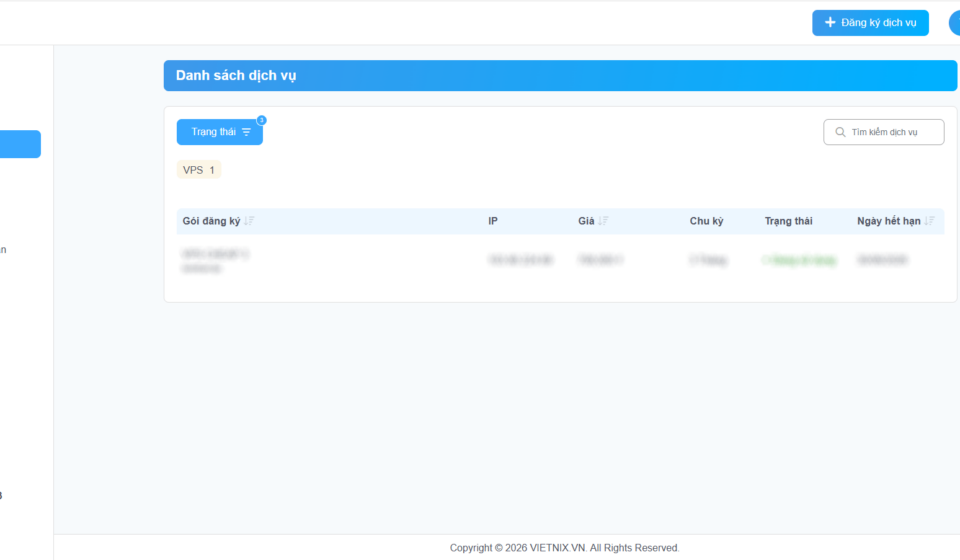
Choosing Vietnix VPS specifically made me feel quite secure because the management system is intuitive—even a “newbie” won’t get a headache looking at it.
2. 48-Hour Diary: From a black screen to a glowing website
The first 24 hours: Meeting my “new friend” named Terminal
The first time I opened that pitch-black screen (Terminal), I was like: “Uh, where’s the interface? Where’s my Windows?”. There was only a blinking cursor acting like it was mocking me.
The very first command I typed was: sudo apt update && sudo apt upgrade -y Watching the text fly across the screen made me feel as cool as a hacker in a movie, even though I was actually just… updating the software.
The next 24 hours: My “first falls”
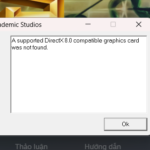
I started configuring the domain from Matbao and installed Litespeed Cache. And boom! A blank white “500 Error” appeared. It turned out I accidentally “danced” the wrong way with a single dot in the config file.
I then spent over 21 hours scanning for malware with Malwarebytes just to be safe. A bit “overthinking,” I know, but better safe than having my server turn into a virus nest later!
3. “Survival Tips” for fellow first-time VPS users
If you’re planning to dive into this path, keep these 3 things in mind:
-
Snapshot is your “Guardian Angel”: Before typing any command that feels “sus,” create a backup (Snapshot). If anything goes wrong, just hit the “revive” button and you’re good.
-
Don’t fear the Command Line: Think of the Terminal as a grumpy friend. If you speak the right syntax, it will work like a devoted slave.
-
Google is your Master: 99% of the errors you encounter, the world encountered 10 years ago. Just stay calm and search!
4. Join Torin – Register for VPS and get a deal
If you find these “brainless” shares helpful and want to start building your own digital garden, don’t hesitate to support me. Registering through the link below will give me a little “budget” to maintain the server and share more cool code with you guys.
👉 [Experience Vietnix VPS here] (Your Affiliate Link)
Note: It won’t cost you an extra penny, but I’ll receive a small commission to grow this “garden” bigger. Much love!
Conclusion: The journey to master the “game”
After 48 hours, the site https://lab.torin.io.vn/ is officially “live.” It’s more than just a website; it’s the result of daring to try, daring to fail, and daring to fix.
How about you? How was your first time using VPS? Share your “painful” memories or your victories in the comments below!